Starting An Encounter for Group Therapy Session

Contents
Once all the patients for group therapy session are checked-in, you can start an encounter for the therapy session. The green encounter icon appears next to the therapy time slot clicking which opens up the Group Therapy screen.
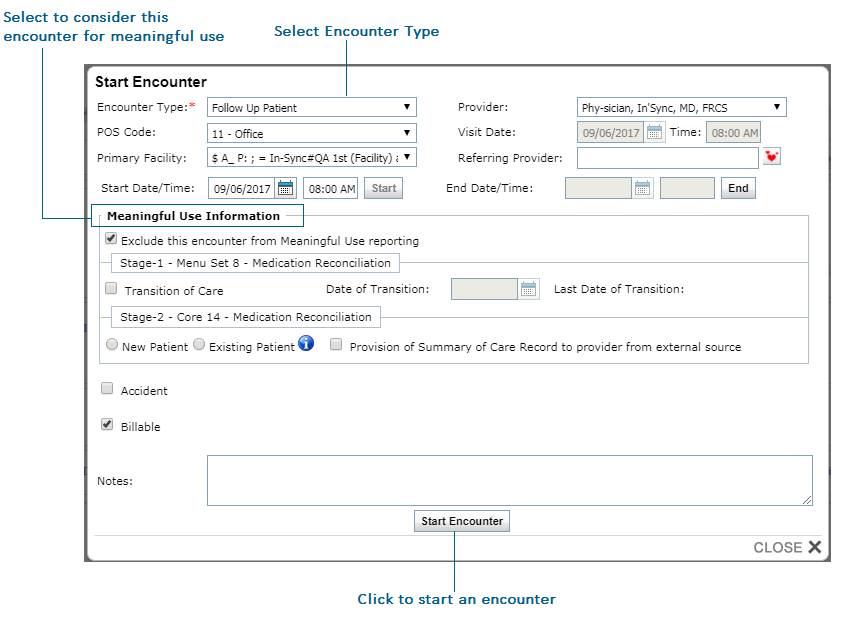
To start an encounter for the group therapy session:
| 1. | On the top menu bar, click Scheduler. |
| 2. | Locate the time slot you have configured for group therapy session. |
| 3. | Click the Start Encounter icon. |
| 4. | Enter the necessary details and click Start Encounter. |