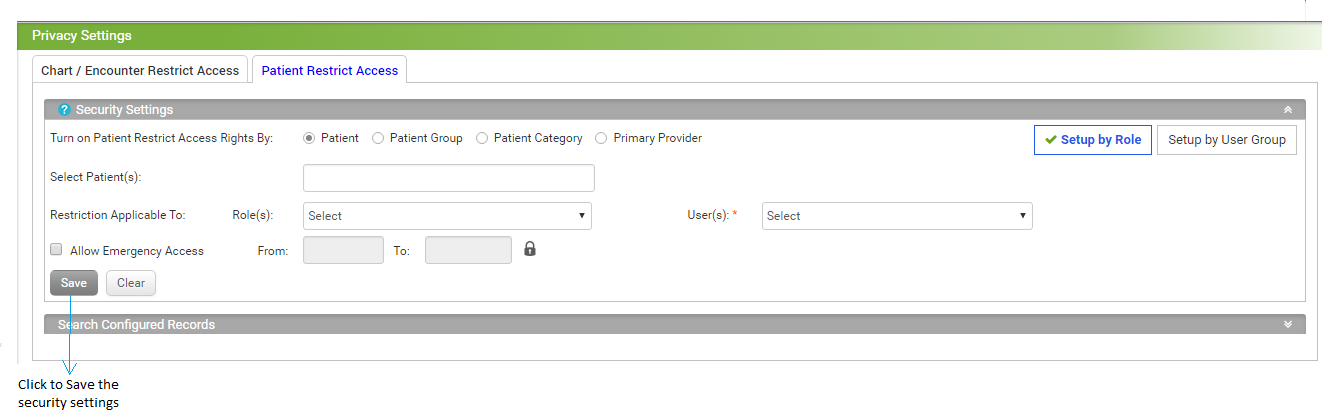
On the Patient Restrict Access screen, the user can select from the following Security Settings :
| 1. | Turn on Patient Restrict Access Rights by selecting an appropriate option from Patient, Patient Group, Patient Category, and Primary Provider. By default, Patient option is preselected. |
| 2. | In the Select Patient(s) field, start typing the patient name and select using smart search results. |
| 3. | Select the Role(s) to include from the drop-down list. |
| 4. | Select the User(s) to include from the drop-down list. |
| 5. | Select From Date and To Date to Allow Emergency Access for the defined period. |