Move group therapy appointments

Contents
User can also move patients’ appointments for group therapy session.
To move a group therapy appointments:
| 1. | On the top menu bar, click Scheduler. |
| 2. | Locate the time slot you have configured for group appointments. |
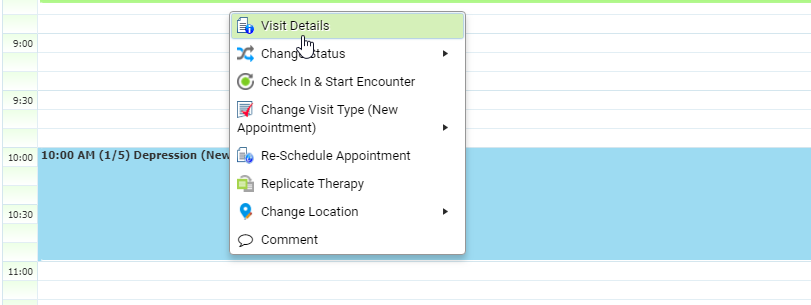
| 3. | Click the group appointment slot. |
| 4. | Select the “Visit Details” option. |
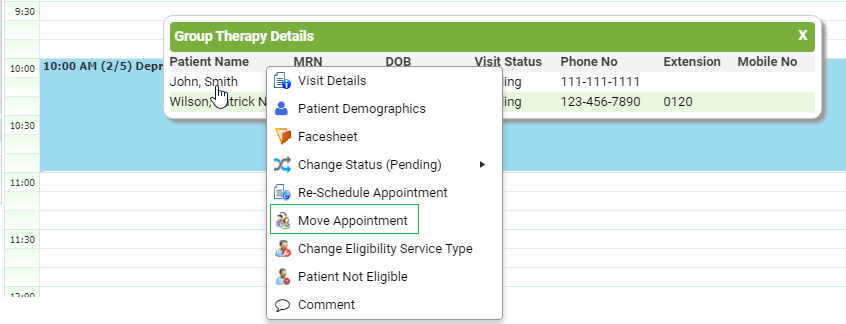
| 5. | Group Therapy Details screen appears. |
| 6. | Click the patient name whose appointment you want to move and choose the Move Appointment option. |