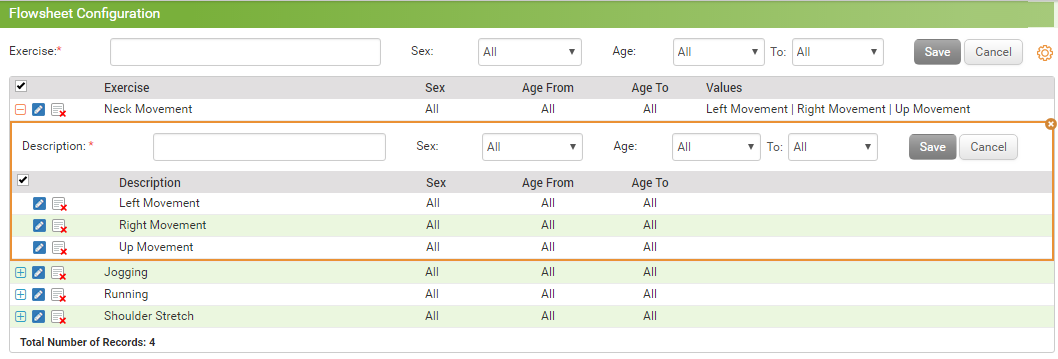
Flowsheet Configuration

Contents
The Flowsheet Configuration section allows you to configure the required data points or exercises. You can access the configuration screen by clicking the “Administration” tab and selecting “Flowsheet” option.
To configure exercise details,
| 1. | From the left menu items, click Administration > EMR > Flowsheet. The Flowsheet Configuration screen appears. |
| 2. | Enter required exercise name in the Exercise field. |
| 3. | Select Sex and Age range from the respective drop-downs. |
| 4. | Click Save to add the exercise details in the grid below it. |
| 5. | Click the icon  to add various descriptions for that exercise. to add various descriptions for that exercise. |
| 6. | Click the edit icon  to edit the exercise details. to edit the exercise details. |
| 7. | Click the inactivate icon  to inactivate that exercise. to inactivate that exercise. |
| 8. | Click the activate icon  to activate that exercise. to activate that exercise. |